
Photo: MOHI SYED / Pexels
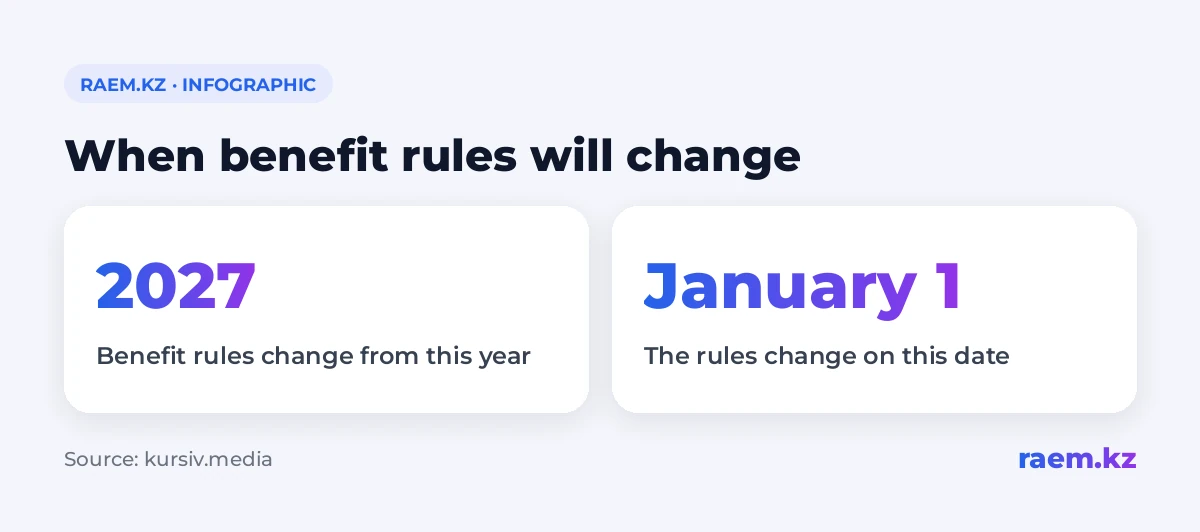
You can get a preliminary check of your family’s category in eGov Mobile before the rules for awarding benefits change on 1 January 2027. The calculator’s result does not affect current payments or mean you are giving up your benefits (kursiv.media). The app’s “Family Wellbeing Assessment Calculator” is available to current benefit recipients. It helps assess a family’s circumstances but does not make the final decision on payments.
How to check your family’s category in eGov Mobile
After signing in, open the “Family Wellbeing Assessment Calculator”. The service is available in three languages. You can run a preliminary calculation as many times as you like.
The app gets some information from government databases. You enter the remaining details yourself, so the result depends on how fully you complete the form.
The calculator is linked to the shift towards awarding certain benefits based on a family’s financial circumstances. This assessment uses the Digital Family Card. It takes income and assets into account, along with the family’s social circumstances.
What information loads automatically
The service pulls in your sex and age, along with details of cars registered in your name. It also loads information on commercial vehicles and agricultural machinery, real estate, land plots and business ownership.
Check the asset records before running the calculation. For example, the list may include a car you have already sold. That entry could affect the preliminary result.
What family information you need to enter yourself
You add details of family members who live with you and their employment. You also specify any disabilities or chronic illnesses, as well as family members’ loans and assets.
Follow these rules when filling in the form:
- Enter houses and cars separately for each family member. The same rule applies to land plots.
- Enter the family’s total average monthly income as a single amount.
- Include bonuses and allowances in income.
Leaving out a family member or some income may lead to an inaccurate assessment. Missing assets also affect accuracy. So check the completed fields before running the calculation again.
Can the calculator stop benefit payments
The calculation is for information only. The score shown does not mean benefits will be awarded or withdrawn.
Here’s an important detail: agreeing with the result does not count as a request to give up your benefits either. Disagreeing with it does not affect current payments. Feedback on the service and ratings of how it works do not change anything either.
The check takes place through the government services app. We cover the development of these services in our article on how eGov changed Kazakhstan.
What to do if the calculator shows assets that belong to someone else or have been sold
You can change outdated details directly in the calculator and run the calculation again. But that correction applies only within the service: the government database record will stay the same.
To correct the official record, contact the relevant authority through eGov.kz or eGov Mobile. Another option is the local department of the Committee for Regulation and Control in Social Protection where you live.
In plain English
You can now check your family’s details and get a preliminary assessment in eGov Mobile. First, check who is listed as part of your family. Then check income and asset records. If you find an error in a government database, submit a request: correcting it in the calculator alone is not enough.