
Photo: LiveMotion
Vladimir Evdokimov is a psychologist and cognitive behavioural and dialectical behaviour therapist who coded his own presentation tool. His product, LiveMotion, turns a speech script into animated slides, then listens to the speaker’s voice during the presentation and advances the slides automatically. The project earned Vladimir a place in the second stage of Creative Shift in the Media, Literature and AI track.
Creative Shift is a Qazaq Creative programme for the creative industries. Its second stage is a mentoring programme in Astana, where participants develop their projects into models they can present to investors and partners. raem.kz continues its series of stories about the programme’s participants.
How LiveMotion works
The speaker uploads a script, and AI breaks it down into slides: headings, lists, diagrams and quotes. During the presentation, speech recognition in the browser converts the speaker’s voice into text, which the software checks against the script and key phrases.
“There’s no need to advance the slides manually,” says Vladimir. He says the system knows where the speaker is in the script, even if they skip a word or phrase something slightly differently. Slides can also be controlled with voice commands such as “next slide”, “back” and “pause”, or with a keyboard, clicker or phone.
LiveMotion runs directly in the browser, with nothing to install, and presentations are shared through a standard window — in Zoom, for example. The interface is available in Kazakh, Russian and English.
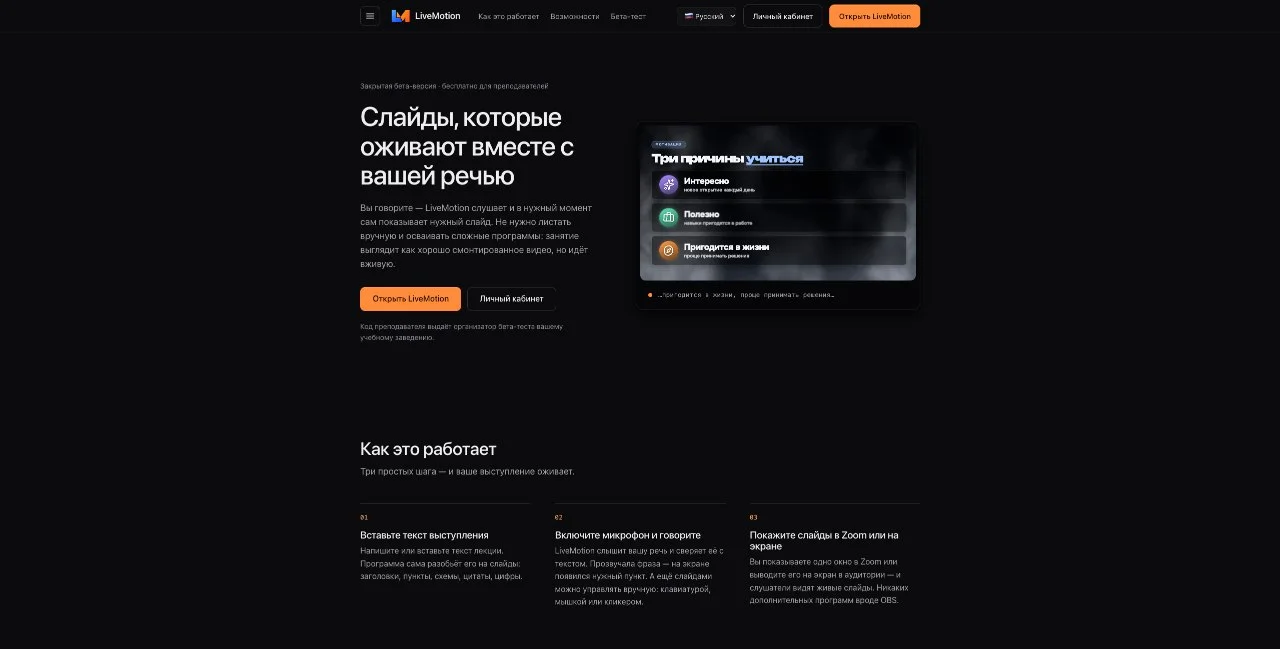
LiveMotion home page · Screenshot: LiveMotion
What it looks like in practice
The script becomes a set of animated slides. From there, the speaker simply talks: the relevant slide or bullet point appears exactly when they start talking about it. For online talks, the slides appear in a standard browser window that can be shared in Zoom. On stage, the presenter can see key phrases from their script on a phone or screen without having to remember the order of the slides.
Manual controls are still available: if the speaker wants to go back or stay on a slide, they can do so by voice, keyboard, clicker or phone. Vladimir stresses that the software does not require speakers to stick rigidly to a script: it follows key phrases and keeps working when they stray from the text.
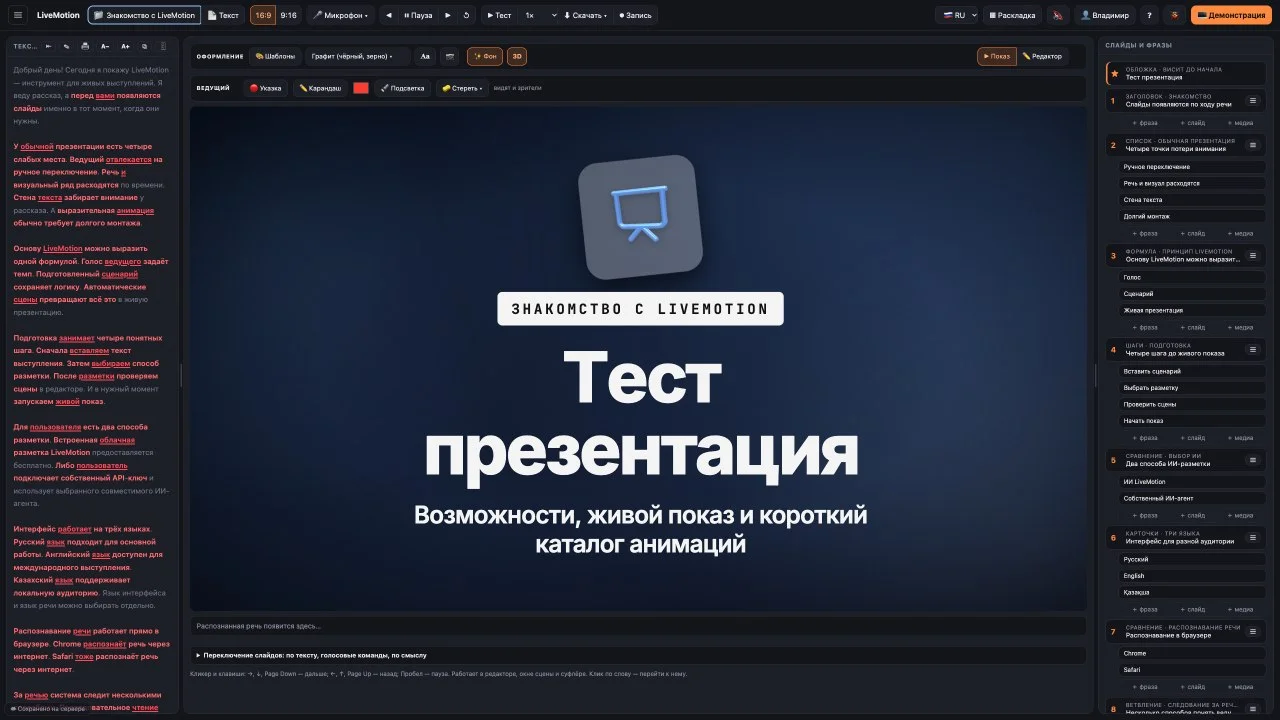
LiveMotion editor: speech script and slides · Screenshot: LiveMotion
An idea sparked by an AI-edited video
Vladimir’s main profession is psychology. He practises cognitive behavioural and dialectical behaviour therapy, offering consultations, classes and training sessions. He made the slides for these sessions himself, and preparing presentations always took up a lot of his time. The idea came when he watched a YouTube video edited with the help of the AI model Claude.
“I really liked the animations and thought it would be great to use something like that in live talks and classes,” he recalls.
Before that, he had put presentations together in NotebookLM, but ran into a limitation: he could not edit the finished result manually. “To replace a single word or image, you have to write another prompt, and the neural network starts ‘hallucinating’,” Vladimir explains. In LiveMotion, text and images can be changed just as they would in a regular editor.
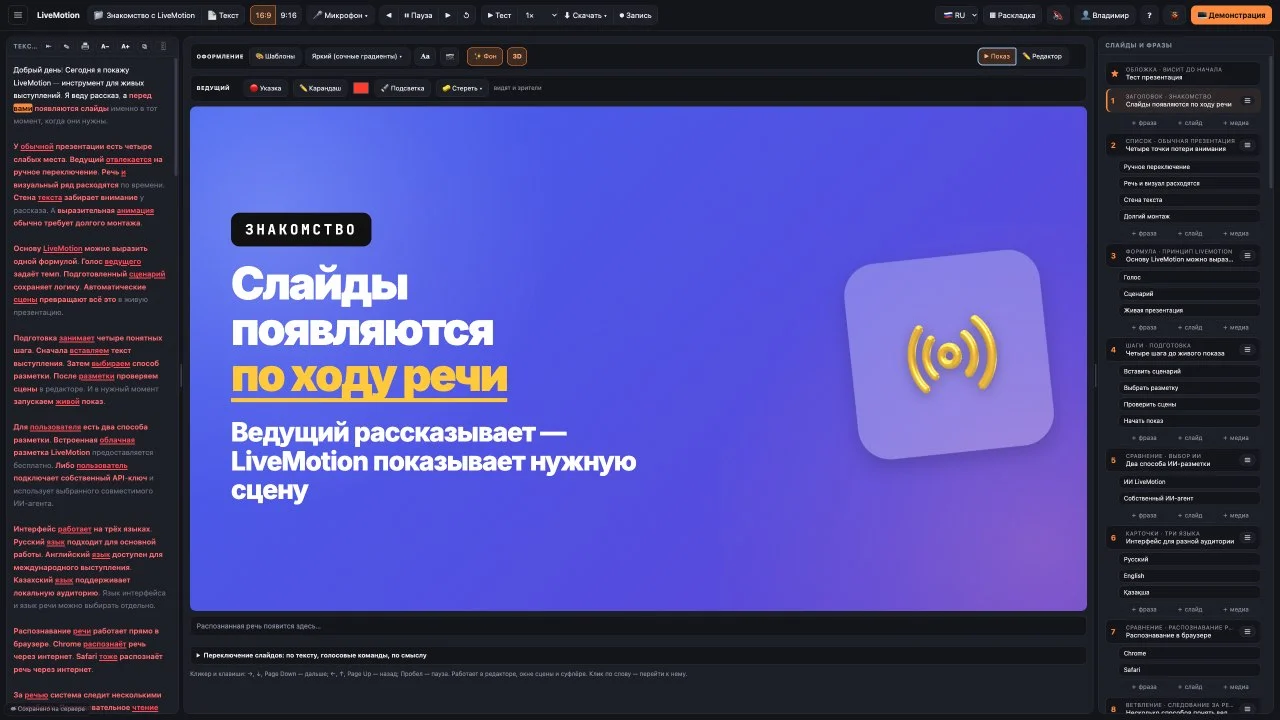
LiveMotion slide: slides appear as you speak · Screenshot: LiveMotion
Three problems the product solves
The first is preparation time: polished slides are assembled from an existing script, and users can edit every detail themselves. The second is the speaker’s attention. Clicking through slides on stage or in a classroom is awkward; here, all the speaker needs to do is talk, with key phrases visible on a phone or screen.
The third problem affects the audience. “You often turn up to a class and the lecturer has a really ugly presentation, which is distracting,” says the creator. In his view, well-designed animation keeps attention on the content.
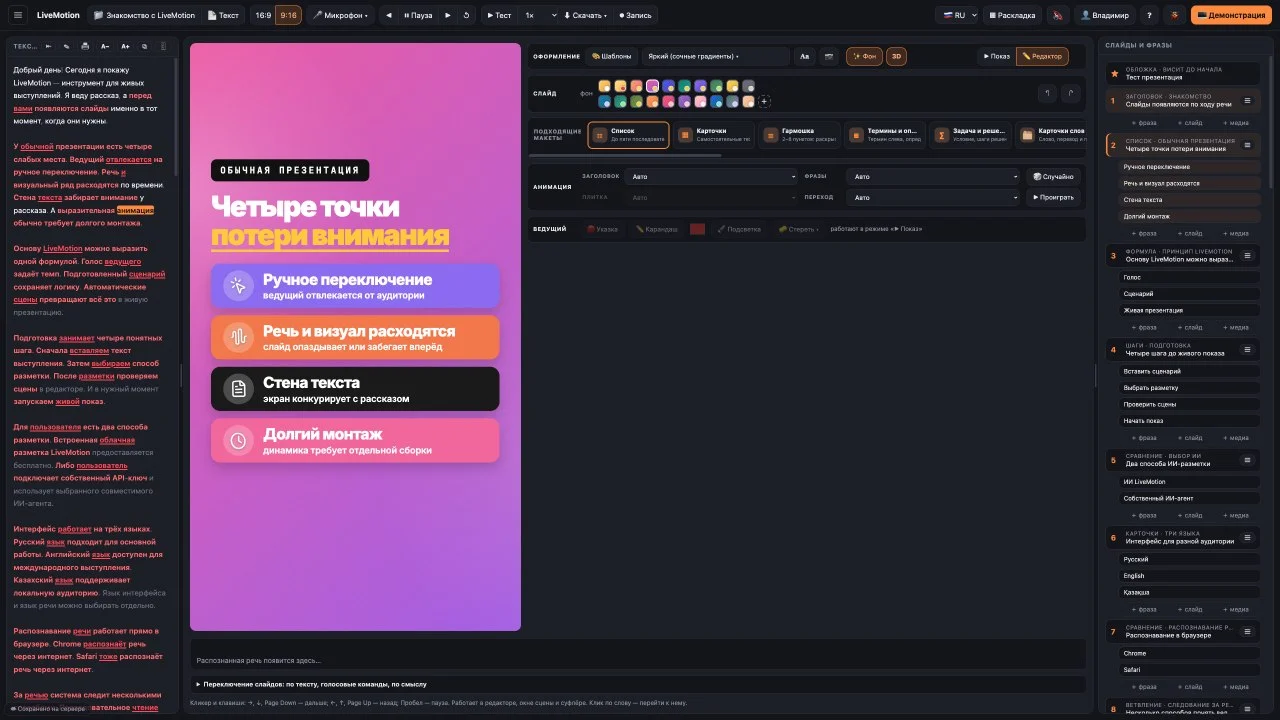
Slide on four points where audiences lose attention · Screenshot: LiveMotion
Who it is for and what it costs
The main audience is speakers: anyone who gives talks, teaches, runs training sessions or presents reports and projects for assessment. The second is content creators on Instagram and YouTube. The presentation script can contain anything — a lesson, a product review, an advertisement or an invitation. Vladimir records video invitations to his training sessions this way: he starts recording and speaks to the camera in a single take, while animations run alongside the camera footage.
Educational organisations are the next step. The founder is now preparing to bring them into the beta test to try the product with practising teachers and a larger number of users.
The product is currently in beta, participation is free, and the team still consists of one person: the founder himself. He will set the final price once the beta is over: the unit economics still need to be studied, and the full picture will become clear when testing ends. But the founder says it is already clear that the product will not be expensive. “My goal is to make it available to as wide an audience as possible, so the price will be very affordable,” says Vladimir.
He says LiveMotion differs from PowerPoint, Keynote or Canva by focusing on a single task: polished presentations that follow the speaker’s voice. “Take Canva: it’s a huge, powerful system, but I find it overwhelming — there are too many buttons,” he says by way of comparison.
According to its creator, LiveMotion brings together features found separately in different programmes: polished templates, animations, voice control and video recording. He sees three main points of difference: simplicity, slides that follow the speaker’s voice without a clicker, and fast creation with the option to edit everything yourself. “Together, these things make the product distinctive and easy to use,” Vladimir says.
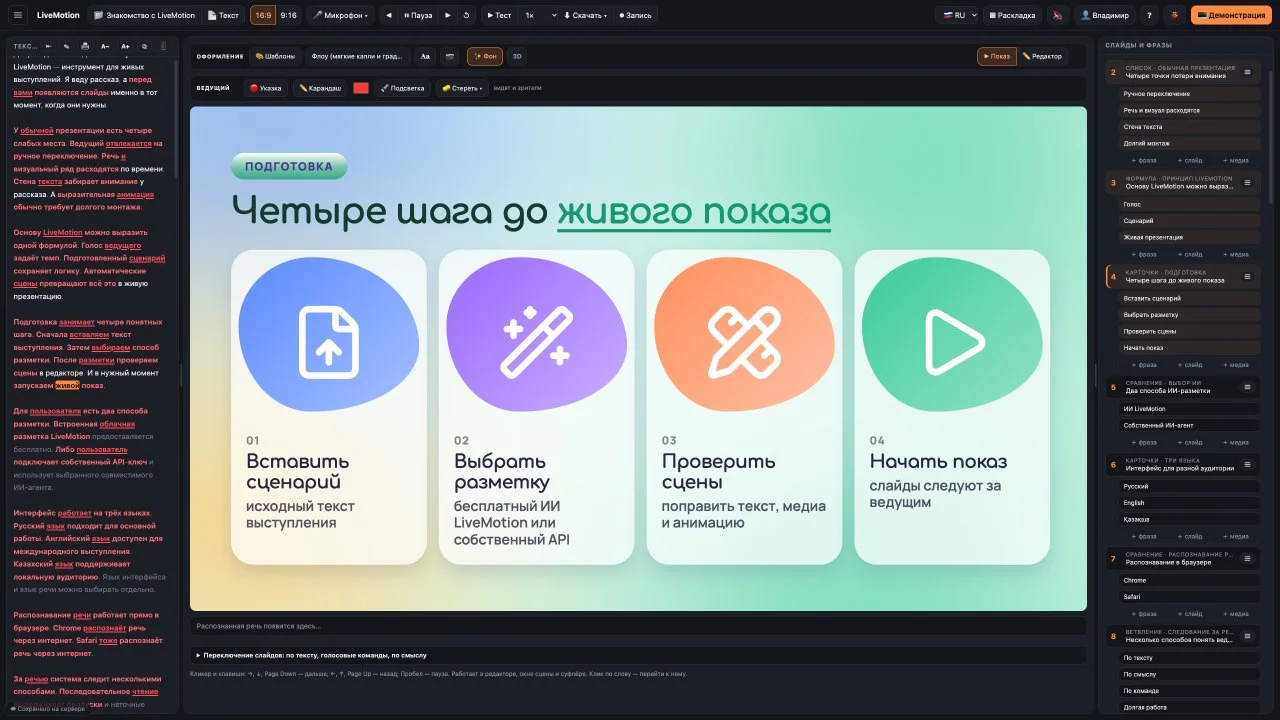
Four steps to a live show in LiveMotion · Screenshot: LiveMotion
What Creative Shift offered
Vladimir arrived at Creative Shift with four projects and left with one: LiveMotion. “I felt as though I’d arrived at a royal banquet: the tables were groaning with food, but I could only eat a small portion,” he says of the programme. Until then, the startup world had been a separate, parallel universe for him. After the programme, he says, “everything fell into place in my head”.
Programmes like this, he says, allow people to immerse themselves in the startup world, understand how it works, and build a strategy and development plan for their project. He admits he would happily take part in a programme like this several more times.
He hopes the mentoring programme will offer insights from people who have already been through the process: how to build a sales model and prepare to pitch to investors.
Plans
The project has three goals for the coming year: pitch to potential investors in the second round; launch an expanded beta with several educational institutions to see how the product performs under load, analyse the results and make any necessary improvements; and start offering the product to educational organisations on a subscription basis. The founder says investment is needed to enter the Kazakhstani market first, then expand abroad.